Choose the Channel by the Card's Context, Not the Loudest Option
A wallet notification is tied to a loyalty card the customer already saved, so it fits information specific to their status: a reward that's ready, a change tied to the card, or an operational reminder that means something inside the program. A text message can reach a phone number under its own separate consent rules and cost, and sometimes suits broader communication that isn't automatically tied to one specific card.
No channel wins every case. If the customer needs to see a card or check a balance, the wallet gives you direct context. If you're weighing a text-message program of your own, make sure you have a real basis for consent, list management, and opt-out under your own policies — this page isn't legal advice. Waya has no SMS channel: every update here rides the wallet card itself, and you shouldn't assume that sending something means it gets read.
Separate Waya's Facts From Other Messaging Tools
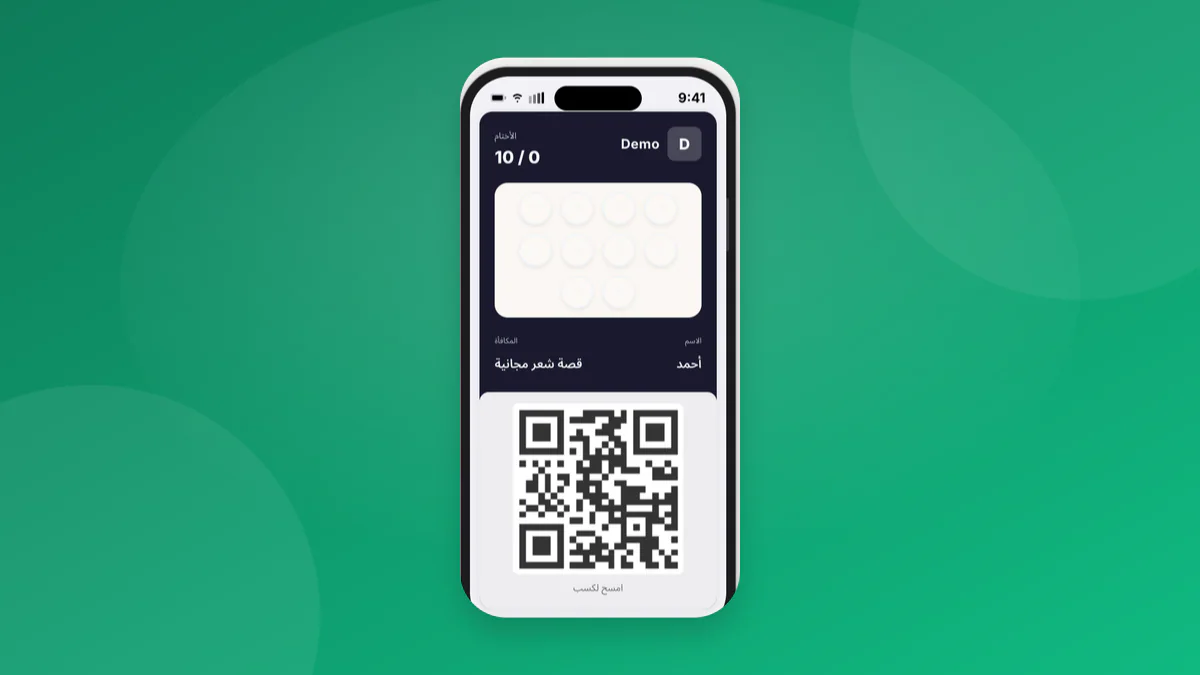
Waya issues loyalty cards carrying your brand in Apple Wallet and Google Wallet, supports wallet notifications, and lets the customer join by QR code without a merchant app. That's useful context when your communication is tied to the loyalty card. It doesn't make Waya a text-messaging service — don't build an SMS plan assuming it's a built-in feature of the platform, because Waya sends no SMS at all.
If you run text messages through a separate provider or process, document where the number came from, the consent, and how to opt out, then keep the message honest and something you can actually act on. Don't move a customer's balance or sensitive details into a message that doesn't need it. Use the minimum data the message actually requires, and give your team a way to answer a question about it.
| Criterion | Wallet notification | Text message | Decision question |
|---|---|---|---|
| Context | A card already saved | A phone number | Is the message really about the card? |
| Joining | Saving the card | Consent and a list | What sign-up path do you actually have? |
| Content | A program status update | A broader alert | Does it need more detail than that? |
| Operations | Inside the loyalty experience | A separate provider and policies | Who manages opt-out? |
Match the Message to the Customer's Actual Moment
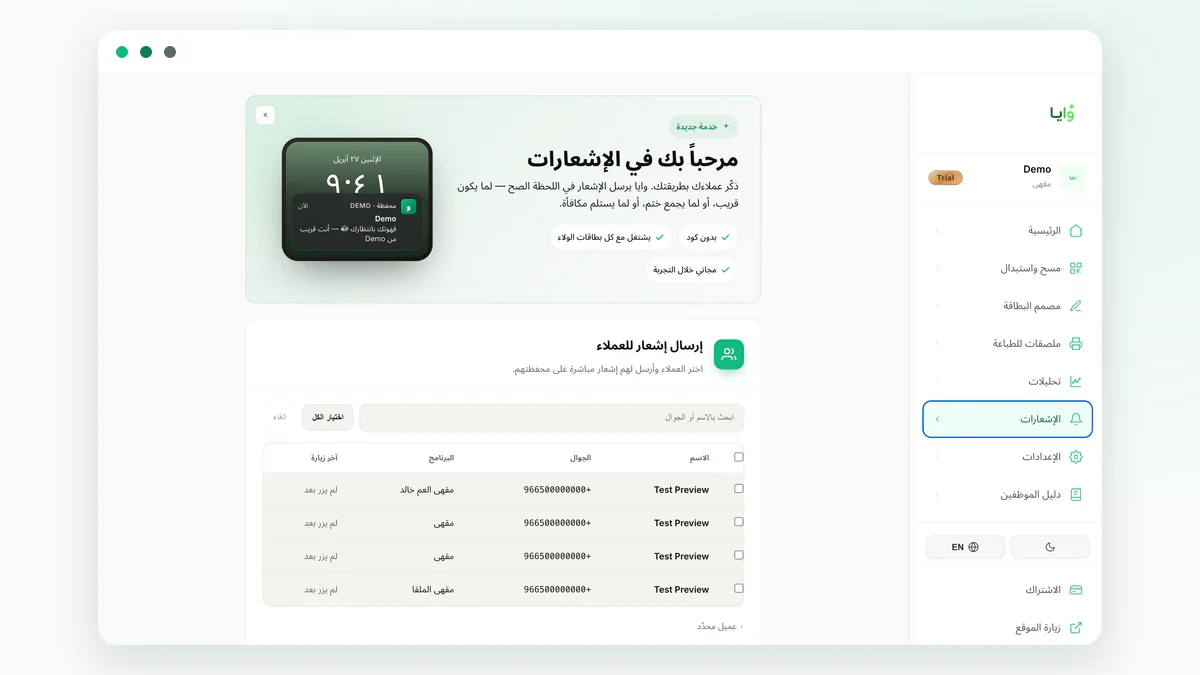
Use a wallet notification when the status genuinely adds value — a completed reward, or a reminder about a ready card ahead of a likely visit. Don't send a notification on every single action just because you can; repetition weakens attention. Keep the text short and point to one clear action or update the customer couldn't have guessed on their own.
A text message might suit an alert that doesn't depend on the customer having saved a card — but don't use one to bury a complicated condition or manufacture urgency that isn't real. Don't repeat the same content on both channels within the same few minutes unless there's a genuine service reason to. Pick one primary channel per situation, and set a rule that prevents duplication.
- Send new information, not a generic slogan.
- Exclude anyone who already completed the action before you send.
- Don't include personal details the message doesn't need.
- Cap how often each channel can fire.
- Make sure the cashier knows what the customer might already have seen.
Write Your Timing and Exclusion Rules Before the Campaign
Start by defining the trigger: a ready reward, an updated card, or an absence within a window you have a real reason for. Then exclude anyone who already redeemed, anyone with an open complaint, and anyone who already received a message serving the same purpose. Don't wait until customers are frustrated by too many notifications before you add exclusion rules.
Add a quiet period after a redemption or an adjustment, so two conflicting messages don't land back to back. If an offer has a date, confirm branch stock and cashier readiness before you publish it. Wallet notification best practices can help you place a message inside a real journey, instead of turning every small change into a campaign.
Measure the Journey's Quality, Not Just the Send
Log what you sent, when, and for which status, then watch questions at the branch, card saves, and redemption or the next visit against your own goal. Don't read a coincidence as a direct cause — a customer may come back for a completely different reason. A fair comparison needs a matched period, matched messages, and conditions held as constant as you can manage.
For a text-message program, also add operating cost, opt-out requests, and list errors to the review. For the wallet, check whether the customer had already saved the card, and whether the information actually came across clearly. Don't collect data you don't need just to fill a dashboard — focus on the decision a problem would actually change.
Build a Multi-Channel Path Without Duplicating Effort
The wallet can be the default channel for program members, while a separate channel, governed by its own policy, covers cases the customer chooses or where they don't have a saved card. Don't move a customer between channels without a reason. Write down who owns each channel, how opt-out works, and which message takes priority when campaigns overlap.
Waya gives you a wallet card, QR sign-up, and live activity analytics, which suits messages tied to the loyalty experience. Start with one notification that has a clear context, and review the questions it generates before you expand the calendar. Use the Apple and Google Wallet loyalty card to design the save experience, and don't promise the customer text messages from Waya — there aren't any.
- Define the status
Pick one event that's genuinely worth a reminder.
- Choose the channel
Match it to whether the card is saved and consent exists.
- Write the exclusions
Stop the send after redemption or a support case.
- Review the impact
Check understanding and follow-through, not just delivery.
Frequently asked questions
Does Waya send text messages instead of wallet alerts?
No — Waya has no SMS channel at all; every update is a wallet notification on the customer's lock screen.
When should I use a wallet notification?
When there's card-specific information, like a ready reward or an actionable update — not for every routine event.
Should I send the same message on two channels?
Avoid sending it twice at the same time unless there's a real service reason, and set a priority rule with a quiet period between messages.
Should I put the customer's balance in the message?
Only mention it if it's current and useful, and avoid any personal detail the customer doesn't need.
Is the channel enough to make a campaign work?
No. Success also depends on the offer, the timing, the exclusions, and whether the branch can actually deliver what the message says.